Why customers consider Hikvision CCTV
Hikvision is commonly considered because its ecosystem covers many IP camera form factors, NVR capacities, image resolutions and analytics options. That breadth can support a compact home system, a multi-camera commercial installation or a staged upgrade. It also means specification matters: two Hikvision cameras can differ substantially in lens, low-light performance, audio, intelligent detection, weather protection and recorder compatibility.
BlueMax approaches the brand as a system-design choice, not a guarantee that every product suits every location. We define the detail needed at each point, identify the available light, choose the required field of view, calculate storage and confirm compatible features. The result may use fixed-lens cameras for simple overview coverage, a varifocal model where the scene needs precise framing, or selected intelligent cameras where event classification has a genuine operational purpose.
How a professional wired IP CCTV system works
A camera captures the scene and converts it into a network video stream. Cat6 or suitable network cabling carries data and, with Power over Ethernet, power between the camera and a PoE NVR or network switch. The NVR receives the streams, applies recording schedules and writes footage to one or more surveillance-grade hard drives. A local monitor supports direct operation, while the router provides the controlled internet path needed for remote viewing and notifications.
Internet access is not normally required for the basic act of recording to a correctly configured local NVR. If broadband fails while the cameras, recorder and local network still have power, local recording can generally continue. Remote live view, cloud-assisted connections and push notifications may be unavailable until connectivity returns. A power cut is different: standard equipment stops unless an appropriately specified backup power system supports it.
System architecture at a glance
- 1
Camera
Captures the required view using a selected lens, resolution, exposure and supported analytics.
- 2
Cat6 and PoE
Carries network data and electrical power to compatible cameras through structured cabling.
- 3
NVR or network infrastructure
Receives compatible camera streams, manages channels and provides recording and playback controls.
- 4
Surveillance hard drive
Stores footage according to camera count, bitrate, resolution, frame rate and recording schedule.
- 5
Local and remote viewing
A monitor provides local access; the router enables secure remote features where configured and supported.
Hikvision camera types and where they fit
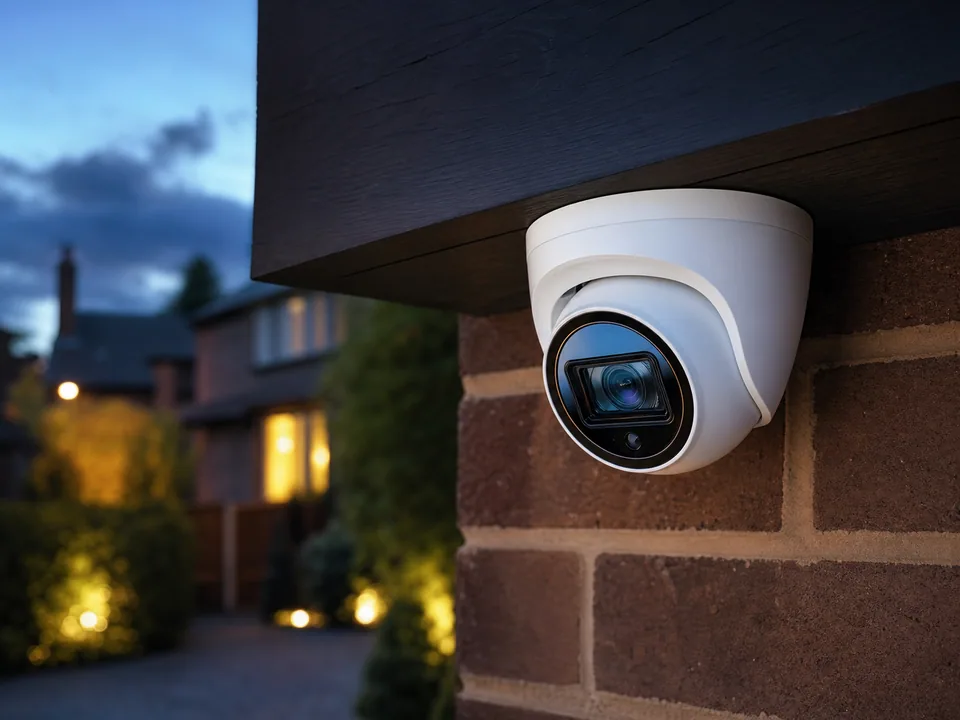
Turret cameras offer a compact body and flexible aiming, making them useful under soffits, on walls and around entrances. Their exposed lens face is straightforward to clean, although every mounting position still needs protection from glare, tampering and direct rain. Dome cameras present a discreet enclosed profile that can suit reception areas, corridors and sheltered external positions; the dome cover must be kept clean and poorly positioned illumination can reflect inside it.
Bullet cameras provide a visible deterrent and often suit perimeters, yards or long approaches, but their projection makes mounting height and reach important. PTZ cameras can pan, tilt and zoom on supported systems, which helps active monitoring of larger sites; they do not replace fixed coverage because a PTZ only looks in one direction at a time. Varifocal cameras allow the installer to tune the focal length for a precise scene, while fixed-lens cameras provide an efficient solution where the required field of view is already known.
Audio-enabled cameras may record sound where supported and lawfully justified. Selected two-way-audio models can combine a microphone and speaker for authorised communication. Audio is more intrusive than video, particularly in workplaces or public-facing environments, so technical availability is not the same as permission to use it. BlueMax discusses purpose, positioning and operator responsibility before enabling audio-related functions.
Hikvision home CCTV installation
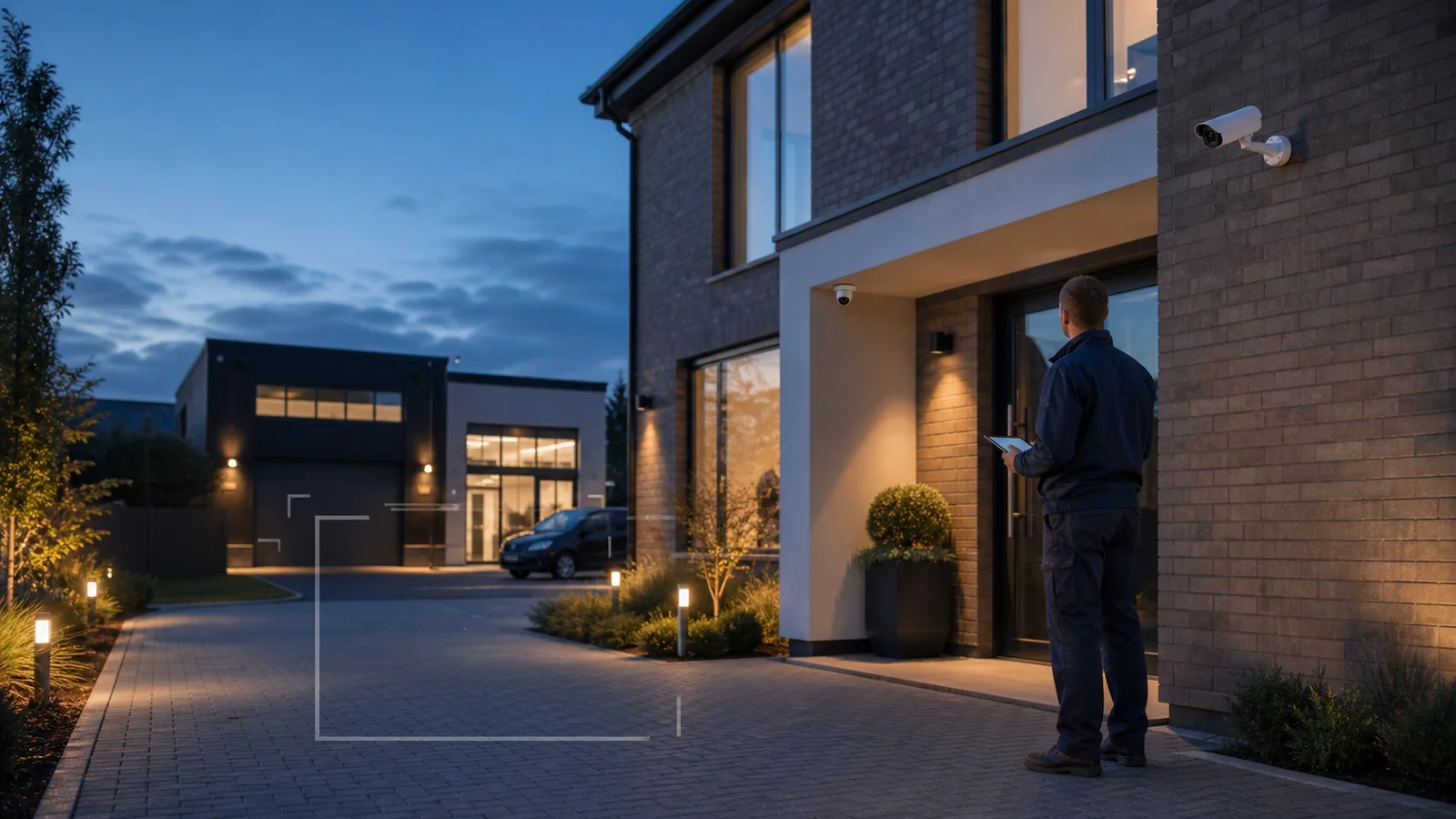
A residential design usually begins with the routes that matter: front door, driveway, vehicle position, side access, rear garden, garage and detached outbuildings. The goal is not to cover every square metre. It is to create useful views at appropriate distances, keep cameras within the property where possible and avoid blind spots caused by walls, planting, lighting or parked vehicles. Delivery activity, night-time movement and holiday monitoring can then be considered against those views.
Compatible systems can provide authorised remote viewing, playback and selected smart alerts. Privacy zones can mask parts of a neighbour's property or public area where the supported camera and recorder permit it, but good physical positioning comes first. Explore the wider professional home CCTV installation guide for detailed advice on camera locations, household privacy and residential package planning.
Hikvision CCTV for businesses and organisations
Commercial CCTV should support a documented purpose. Retail sites may need entrances, tills, customer circulation and stock areas considered separately. Offices often focus on approaches, reception, external doors and car parks. Warehouses and industrial units require planned views of loading bays, storage, plant, gates and vehicle routes. Restaurants, hotels, schools and healthcare settings introduce more sensitive environments where coverage must be necessary, proportionate and carefully governed.
A commercial design also considers authorised users, retention, footage export, signage, privacy information and the effect of cameras on staff and visitors. Monitoring employees is not simply an equipment decision; UK organisations should assess necessity, fairness and transparency and follow current data-protection guidance. See the commercial CCTV installation guide for sector-specific planning, operational responsibilities and system design.
Intelligent detection and event search
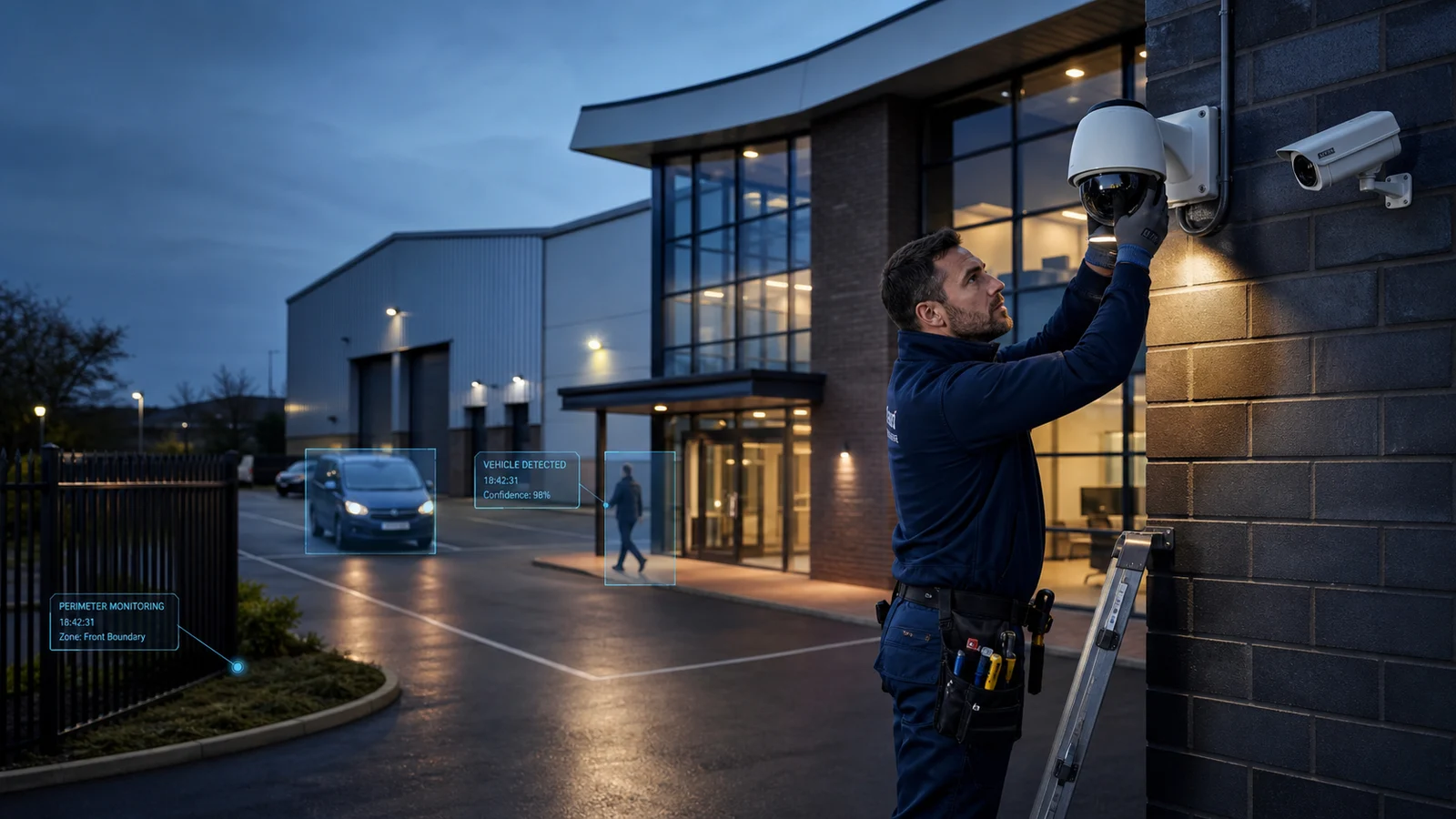
On compatible Hikvision cameras and recorders, intelligent functions can classify people or vehicles, apply intrusion or line-crossing rules, reduce nuisance motion alerts and organise event search. A driveway camera might prioritise a person entering a defined area, while a warehouse perimeter view may use a directional line or scheduled intrusion zone. Selected equipment can send event notifications to authorised users when internet access and application settings are available.
These tools are not infallible. Rain, insects, shadows, vegetation, headlights, distance, target size and camera angle can affect results. Model capability, recorder compatibility and channel allocation also matter. BlueMax tests important rules in the real scene and explains their limits. Our AI CCTV systems guide explores person and vehicle classification, perimeter analytics and responsible deployment in greater depth.
ColorVu and full-colour night viewing
Traditional infrared CCTV illuminates a dark scene with infrared light and normally records a monochrome image. Low-light colour technologies such as Hikvision ColorVu are designed to retain colour information under suitable conditions. Colour can add useful context about clothing, vehicles, objects and the order of events, but it does not guarantee a bright full-colour picture in every location.
Performance depends on the selected model, lens, ambient light, movement, mounting position and scene reflectivity. Some cameras use built-in supplemental white light when the scene is too dark; whether that is appropriate depends on neighbours, road users and the property. BlueMax assesses the night scene rather than assuming that one illumination method suits every camera position.
NVR recording, hard drives and retention
A network video recorder manages camera streams and writes them to surveillance-grade storage. Systems may record continuously, on a schedule, on selected events or through a mixture of methods. Resolution affects detail, while frame rate influences motion smoothness. Bitrate and compression determine how much data is written. Camera count, scene complexity and the desired retention period all influence the size and number of hard drives required.
That is why “How many days will CCTV record?” has no universal answer. An eight-camera system recording busy scenes continuously at higher settings can consume storage far faster than a four-camera system using carefully configured schedules and efficient compression. Even two systems with the same nominal resolution may differ because of bitrate, movement and image noise. BlueMax calculates storage against the agreed operating profile, then explains that actual retention can vary as scene activity or settings change.
Mobile CCTV viewing and remote access
Compatible Hikvision systems can provide live view, recorded playback, multi-camera layouts and configured alerts on authorised smartphones or tablets. Computer access and multiple users may also be supported depending on the selected platform and permissions. Remote features require suitable broadband at the protected property and internet or mobile data on the viewing device.
Access should be limited to people who need it, protected with strong unique credentials and reviewed when staff, tenants or household circumstances change. BlueMax completes the supported application setup during handover without publishing sensitive connection details. Local recording and remote access are separate functions: losing the internet may interrupt viewing and notifications while a healthy local NVR continues recording.
Wired IP CCTV compared with wireless cameras
A professionally installed wired IP system gives each camera a defined cable path and stable network connection. PoE can carry power and data together, reducing the need for a local socket beside every camera. Wired systems are generally easier to expand in a controlled way and are less exposed to radio congestion, although they require thoughtful cable routes, drilling, weather sealing and network configuration.
Wireless cameras can be useful where cabling is genuinely impractical or for temporary and limited requirements, but “wireless” rarely means power-free. Signal strength, interference, building materials, batteries and application dependency can affect reliability and maintenance. Image quality depends on the camera and connection rather than the word wired or wireless alone. BlueMax recommends the architecture that fits the property and security objective.
NVR versus DVR
An NVR is designed primarily for network or IP cameras. Each camera processes and sends digital video across the network, allowing flexible PoE layouts and compatible intelligent metadata. A DVR records analogue or HD analogue camera signals delivered over coaxial cable, with power commonly provided separately. Both can produce useful CCTV when properly specified; the architecture and upgrade options differ.
Existing coax does not automatically need to be removed, and existing network cabling is not automatically suitable. Cable condition, connector quality, power, distance, bandwidth and compatibility should be tested. A hybrid or staged approach may be sensible for some properties. BlueMax assesses what can be retained before recommending a recorder or full-system replacement.
Upgrading or replacing an existing CCTV system
Common upgrade goals include clearer images, better night performance, more reliable mobile viewing, additional storage, extra cameras or intelligent event search. Sometimes replacing an ageing recorder while retaining serviceable cameras is possible; in other cases, resolution limits, protocol, firmware, cabling or power make a partial upgrade poor value. Higher resolution can also increase network and storage demand.
BlueMax can assess existing cameras, cabling, recorder health, hard-drive status, network capacity and required views before proposing work. That assessment separates a configuration problem from a genuine equipment limitation and reduces unnecessary replacement. Any reused component is subject to compatibility and condition checks rather than assumed to work because the connectors appear to fit.
Professional Hikvision installation versus DIY
DIY can suit technically confident users with a simple property and time to plan the system. Professional installation becomes valuable where image detail, cable concealment, weatherproofing, high access, network configuration, storage calculation or privacy constraints matter. The most expensive camera cannot recover detail that was never captured because the field of view was too wide or the mounting angle was wrong.
BlueMax surveys camera positions, agrees cable routes, installs and seals equipment, configures recording and supported events, sets up authorised mobile access, tests playback and completes a user handover. The purpose is not merely to make cameras appear online. It is to create a system the customer can operate, verify and maintain.
How much does a Hikvision CCTV system cost?
Cost depends on camera count, model, resolution, night capability, audio, lens choice, NVR size, storage, cable routes, building construction, access and commercial requirements. BlueMax's current representative CCTV package pricing begins at £899 for a qualifying standard four-camera installation, with six-camera and eight-camera examples at £1,249 and £1,599. These prices are genuine examples of defined BlueMax packages, not a promise that every Hikvision specification fits the same price.
The final quotation confirms whether Hikvision equipment is included, the exact camera and recorder specification, installation scope and any non-standard work. Larger homes, commercial sites and specialist requirements are surveyed and quoted individually. This prevents a starting figure from being presented as a guaranteed price for a system whose design has not yet been established.
Security, privacy and responsible CCTV use
Camera positioning should start with the user's own property and defined security purpose. Views that capture neighbouring property, public space or people beyond a domestic boundary can bring additional data-protection responsibilities. Privacy masking may reduce unnecessary capture on compatible equipment, while signage, retention, access controls and privacy information may be required for organisations.
Audio recording is especially intrusive and should not be enabled merely because a camera supports it. Businesses must consider employees, visitors and customers, document why monitoring is necessary and protect footage from inappropriate access. BlueMax can discuss technical options and practical positioning, but the customer remains responsible for lawful operation and should review current ICO home CCTV guidance or the ICO's guidance for organisations using CCTV. This page is practical information, not legal advice.
Hikvision CCTV maintenance and health checks
A working live image does not prove that a system is recording correctly. Periodic checks should review lens cleanliness, camera alignment, image quality by day and night, date and time accuracy, playback, hard-drive health, available storage, remote access and important event rules. Vegetation, cobwebs, building work and new lighting can change a view long after installation.
Firmware and network changes should be managed carefully, with compatibility and configuration considered before an update. Businesses should also review authorised users, retention and signage. BlueMax can assess recording faults, remote-viewing problems, excessive alerts, ageing storage and suitable upgrade paths without encouraging unsafe resets or security-bypass procedures.
Common CCTV problems and what they may indicate
A camera showing offline may point to power, cabling, network, connector or compatibility issues. No image can have a different cause from missing recordings. A poor night view may result from dirt, reflections, insects, focus, exposure or insufficient light. Remote viewing failure can occur even when the NVR is still recording locally. Incorrect time, excessive alerts and unexpectedly short retention are usually configuration or system-health questions rather than proof that all equipment needs replacement.
Customer-level checks should remain safe: confirm power indicators, verify whether other cameras are affected and note when the symptom began. Avoid factory resets, unknown firmware files or exposing ports to the internet. BlueMax can investigate the complete path from camera to recorder, storage, network and viewing device. Request a CCTV health check or repair assessment if the system is unreliable.
How to choose the right Hikvision CCTV system
Prepare for a survey by listing the areas that need coverage, the detail required in each view and whether the key activity happens by day, night or both. Decide whether the system must distinguish people and vehicles, whether audio has a legitimate purpose, who requires remote access and how footage will be reviewed. Consider the desired retention period, future expansion, privacy constraints and a realistic budget.
For businesses, add operating hours, controlled areas, incident types, authorised users and any existing CCTV policy. For homes, note deliveries, vehicles, outbuildings and likely changes to the property. These answers allow the installer to compare camera positions and system architecture against actual outcomes rather than selling an arbitrary camera count.

 WhatsApp
 View Google Business